How to practice Hanzi handwriting on iPad
Which Apple Pencil, grid and screen surface to use for Hanzi practice on iPad, and what research says about carrying screen writing over to paper.
On this page
An iPad is a good place to practice Hanzi. You need an Apple Pencil that fits your iPad, a grid, and the habit of writing with the model hidden. Glass is not paper, though, and the little research there is suggests that matters a bit. So practice on the iPad, and check yourself on paper now and then.
This post is about the surface and the setup. For the method, writing from a cue and checking afterward, read why writing from memory beats tracing.
Does writing on an iPad count as handwriting practice?
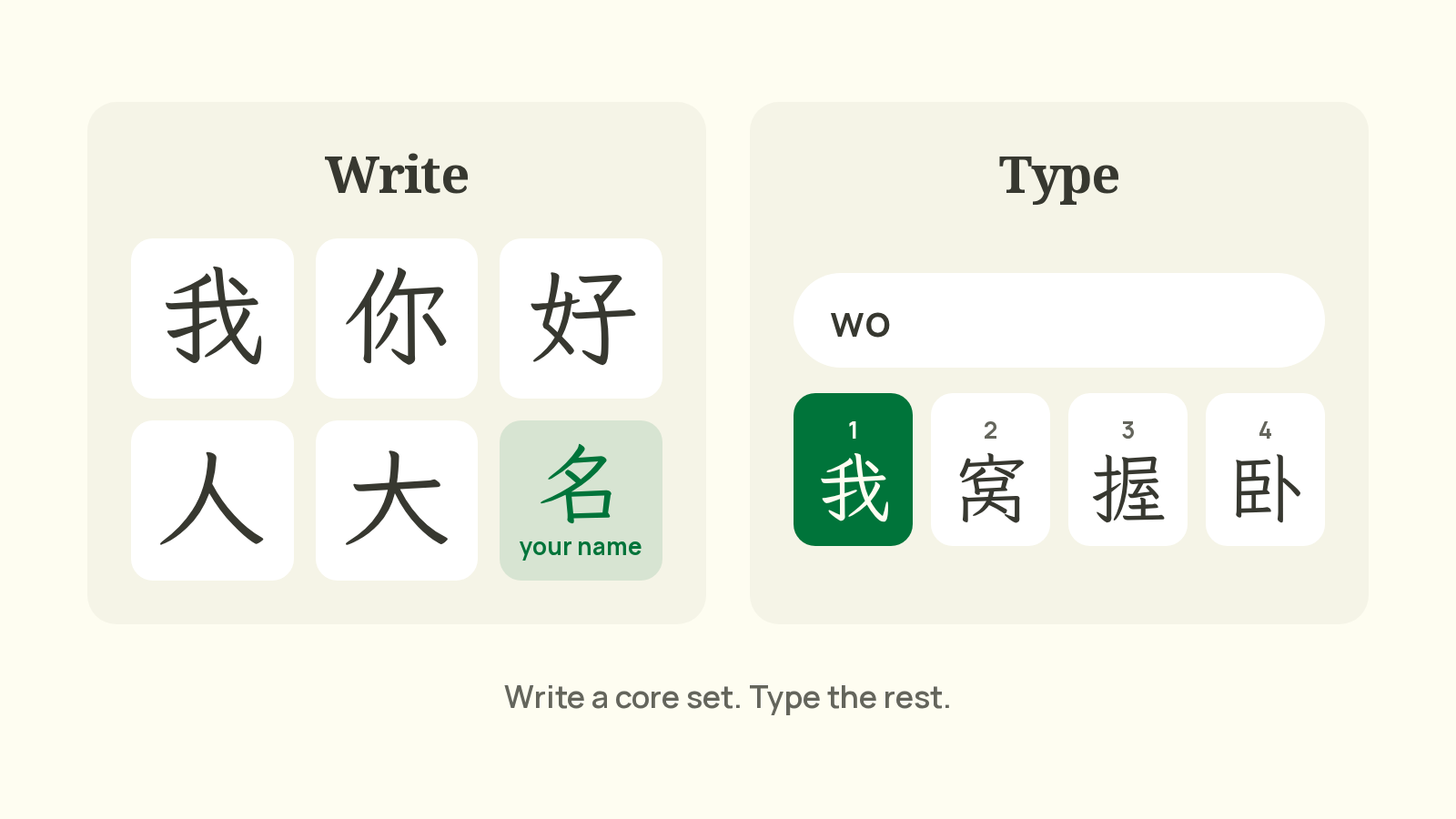
Yes, as long as your hand forms every stroke. In a 2011 study of adult learners of Chinese, practice that included handwriting characters led to better word recognition and stronger character-meaning links than reading only. Typing pinyin helped only with sound.
The open question is whether a plastic tip on glass keeps that benefit. None of the screen versus paper studies I found tested adult learners of Chinese, so treat them as nearby evidence.
| Study | Practice | Result |
|---|---|---|
| Lee 2021 | 32 English-speaking adults new to kanji copied 20 kanji 10 times each, on paper or an iPad mini with Apple Pencil | Kanji written from reading and meaning, scored out of 100 strokes. Right after: about 40 either way. Next day: 49 paper, 40 iPad |
| Osugi et al. 2019 | 28 adults in Japan copied hard kanji words with a pen display or an ink pen | No difference in reading test scores |
| Umejima et al. 2021 | 48 Japanese university students wrote appointments in a paper notebook, on an iPad with a stylus, or on a phone | Paper group wrote faster and did better on easier questions an hour later |
Osugi’s test asked for readings, not writing, and two of its authors worked for Wacom, the pen tablet maker.
My reading: the iPad is fine for practice, with one caution. In Lee’s study, the paper kanji improved overnight and the iPad kanji did not. Learners also recalled the English meaning of paper kanji more often, at both tests. It is one small study, the practice was copying rather than recall, and the author calls the overnight result something to test further. I would not give up the iPad over it, but I would check on paper.
Will characters you practice on the iPad come out on paper?
Mostly, if Lee’s study is a guide. Its tests were on paper answer sheets. The iPad kanji scored as well as the paper ones right after practice and held steady overnight. They just did not gain.
The difference you will feel is friction. Gerth and colleagues had preschoolers, second graders and adults write on a tablet and on paper. All three groups wrote faster on the tablet in most tasks, which the authors put down to its smoother surface. The children’s quality dropped on the tablet in some tasks. The adults adapted quickly. Their tablet was an old ThinkPad with a plastic surface, not an iPad, so hold the details loosely.
My guess: long strokes will slide past where you meant to stop, like the right-falling stroke in 人 or the hook in 小. Slow down for the first week.
Then, once a week, write that week’s characters on paper from memory. If 爱 comes out right on the iPad but falls apart on paper, you have found what to practice next.
In a 2019 Pleco forum thread, one member said that if you really want to practice writing, use pen and paper. But the complaint was about an app that finished the strokes for you, and later the same member suggested a grid PDF on an iPad as the closest thing to paper. My takeaway: worry less about glass than about software that tidies your strokes.
How long should a session be? I know of no study that tests this, so pick a length you will repeat tomorrow. I would rather you come back tomorrow than stay long today. The recall post covers why the next day matters.
Which Apple Pencil do you need?
The one your iPad supports. As of October 2026, Apple lists four Apple Pencil models, each for certain iPads, so check Apple’s compatibility list before you buy.
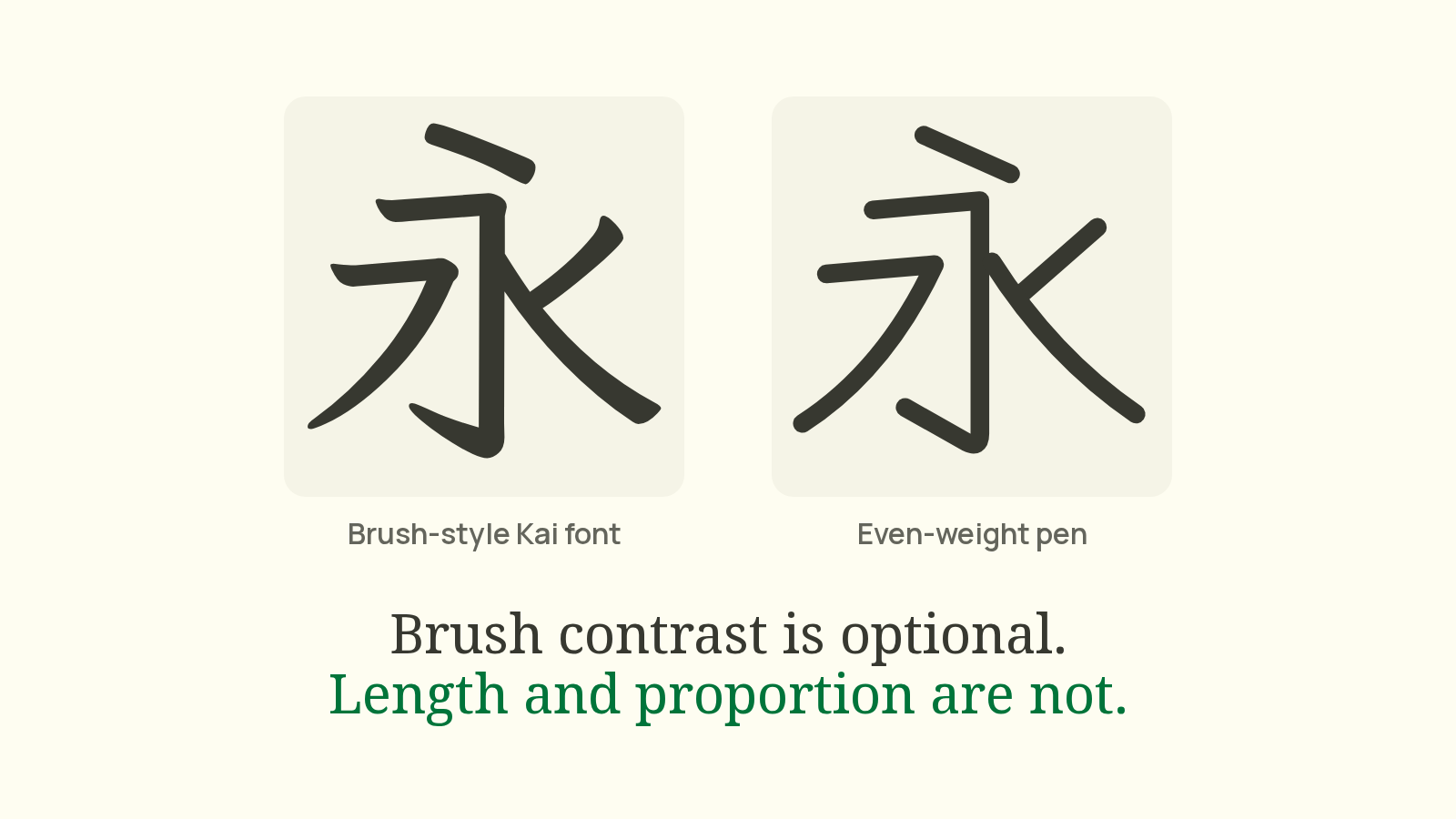
The cheapest one that fits is enough. Apple’s comparison lists no pressure sensitivity for Apple Pencil (USB-C). Pressure changes line thickness, not whether 我 has the right strokes in the right places, which is what you are practicing.
Do you need a matte screen protector or a softer tip?
No. They are a comfort choice. In a 2021 Reddit thread, one learner warned that the screen may feel odd at first, with “not a lot of friction”. Another said a paper-feel film feels like paper but wears out fast if you write a lot. That is learner experience, not testing.
I found no study of matte films on iPads. The closest is Guilbert, Alamargot and Morin’s 2019 study. Children and adults wrote on the smooth or the grainy side of a plastic sheet laid over a tablet, with their writing hand in view or hidden. Surface and vision together changed letter size, pen speed and legibility. Children were affected more than adults, and the authors suggest more screen friction for children. As an adult who writes fluently in another script, you are probably closer to the adults, though your Hanzi strokes are not automatic yet.
My advice: use bare glass for a couple of weeks. If your strokes still skid, try a film. The same goes for third-party tips sold as paper-feel. I found no evidence that either changes what you remember.
Which grid should you use?
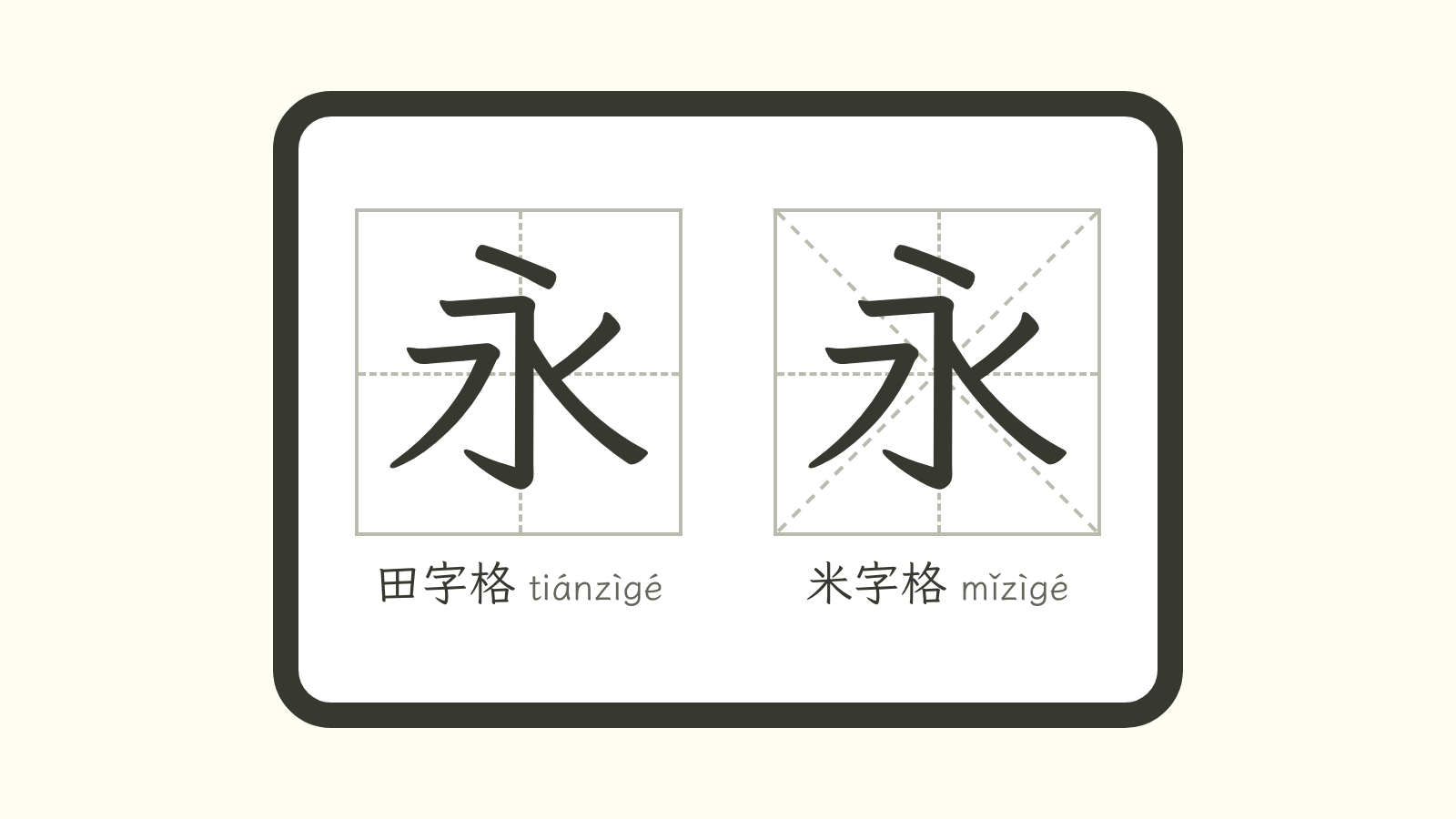
Either 田字格 or 米字格 works. This is taste, not correctness. When a learner asked on Chinese Stack Exchange, two answerers said they used 田字格 in primary school, and one suggested it for daily handwriting. Another made the point that matters most: the grid helps you place strokes, and the goal is to stop needing it.
- 田字格, a box split by a cross, shows balance. You see whether the halves of 好 share the width, or the top of 星 crowds the bottom.
- 米字格 adds two diagonals. They help with slanted strokes, such as the ones that meet at the center of 永, 水 or 文.
Start with 田字格. Switch to 米字格 for the characters whose slants keep drifting.
How do you get a grid on the iPad?
Cheapest first:
- Apple Notes. Notes can show lines or a grid, set in Apple’s Notes settings. Pick the largest grid and treat four squares as one box, and the middle lines become your 田字格 cross. A member of the Pleco thread did the same on squared paper.
- A PDF practice sheet opened in a note app. Write, then erase. Both learner threads suggested this, and Lee’s study put a kanji practice sheet in Notes.
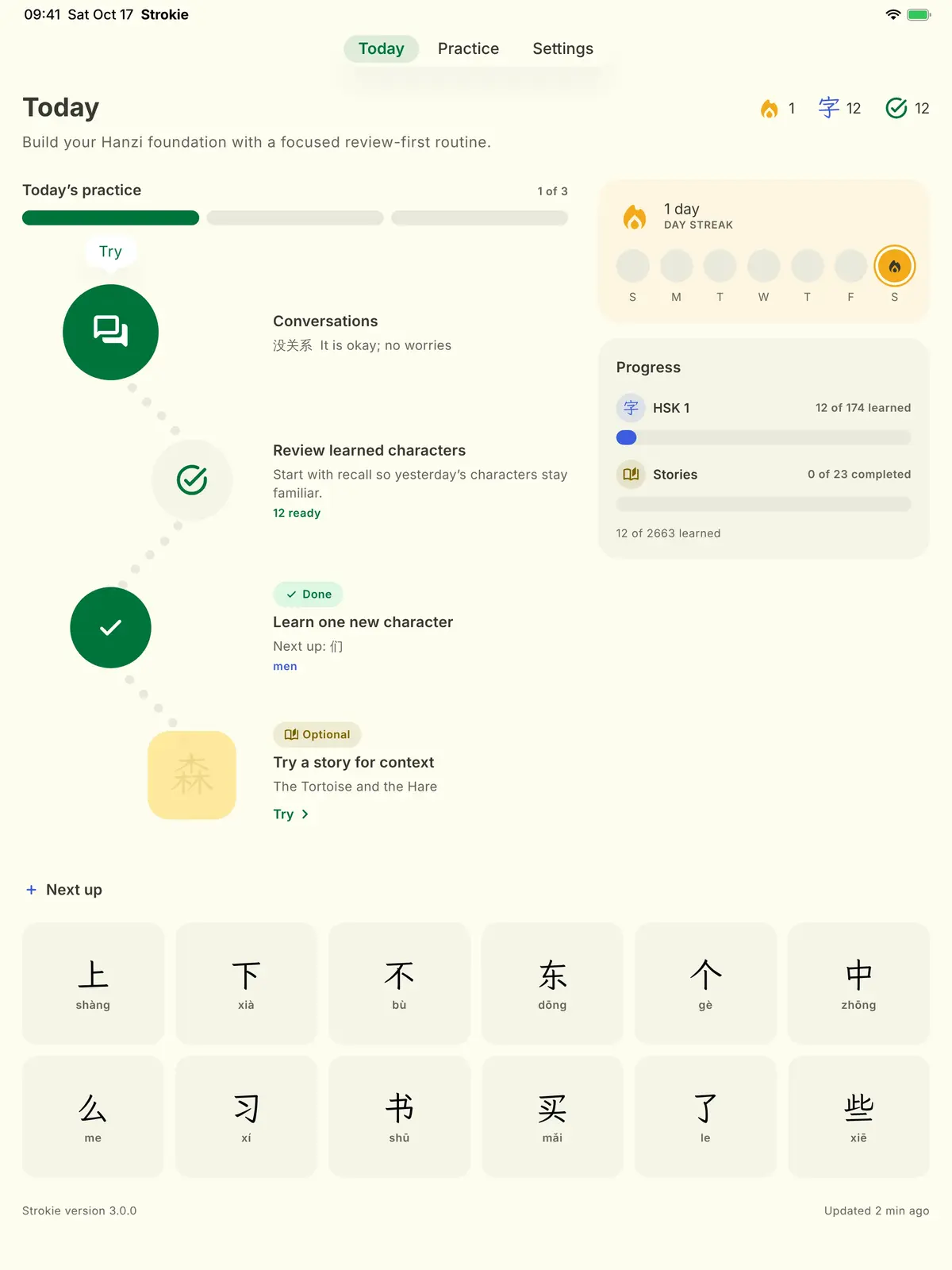
- A practice app that hides the model, so you start from a cue and an empty box. Strokie’s recall quiz is one example: you get the pinyin and meaning, not the character.
The iPad is where you practice. Paper is where you find out what stayed.
Sources
- Guan et al. 2011, writing and pinyin typing in adult learners of Chinese
- Lee 2021, kanji practice on paper versus iPad
- Osugi et al. 2019, learning with a digital pen versus an ink pen
- Umejima et al. 2021, paper notebooks versus tablets and phones for memory
- Gerth et al. 2016, handwriting on a tablet versus paper in children and adults
- Guilbert, Alamargot and Morin 2019, surface friction and vision in tablet handwriting
- Apple Support, Apple Pencil compatibility (checked October 2026)
- Apple, Apple Pencil models and features (checked October 2026)
- Apple Support, change your Notes settings on iPad (checked October 2026)
- Pleco forums 2019 thread, practicing character writing (learner discussion)
- Reddit r/ChineseLanguage 2021 thread, iPad and Apple Pencil for writing characters (learner discussion)
- Chinese Stack Exchange, which grid pattern to practice handwriting on (learner discussion)
Put the method into practice.
Strokie gives you a cue instead of a model, a blank Apple Pencil canvas, and an answer check, so your iPad time goes into writing Hanzi from memory.