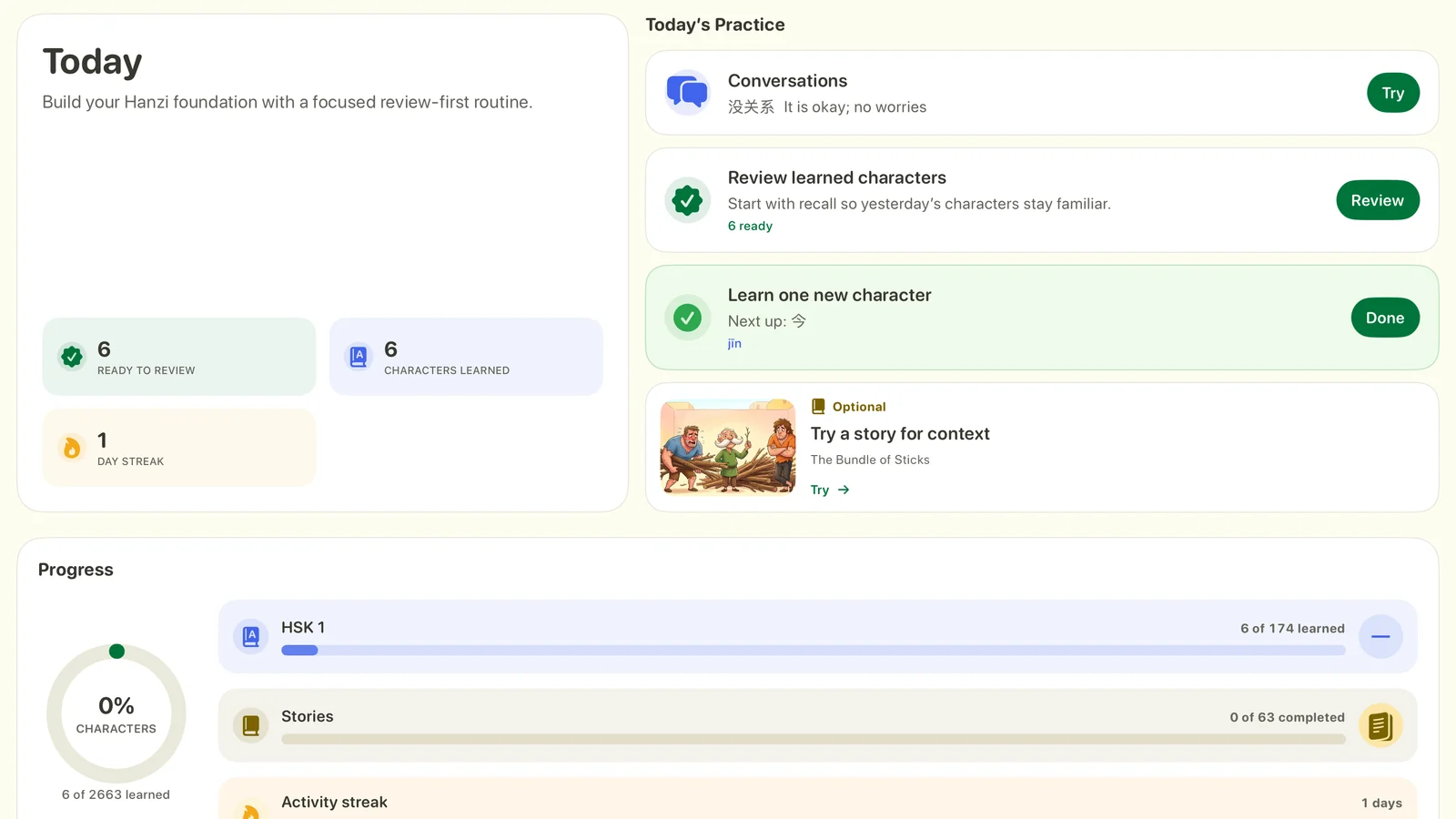
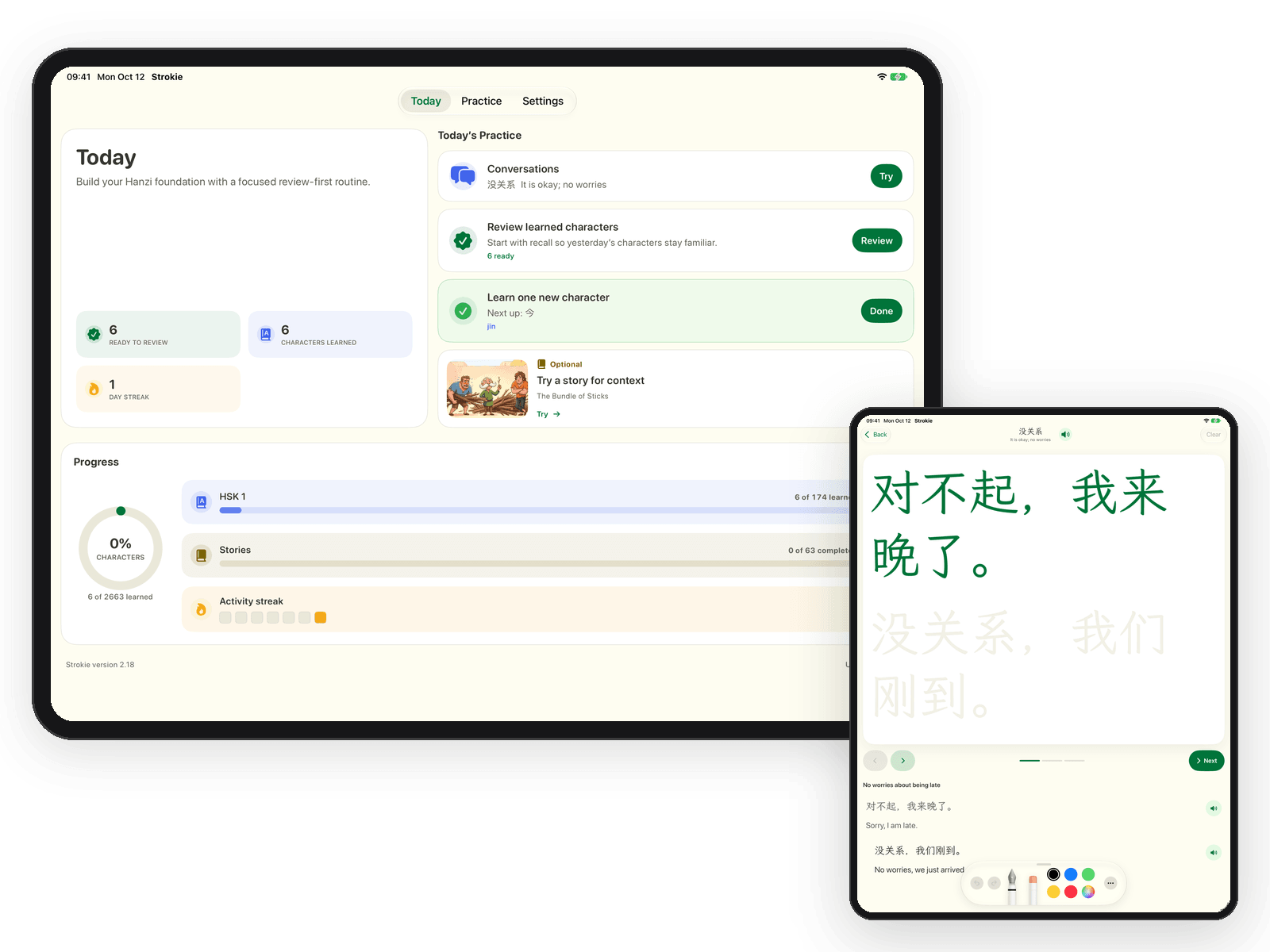
Know what to practice today.
Review what you know, learn one character, or open a lesson. Your progress stays close at hand.
Chinese handwriting practice for iPad
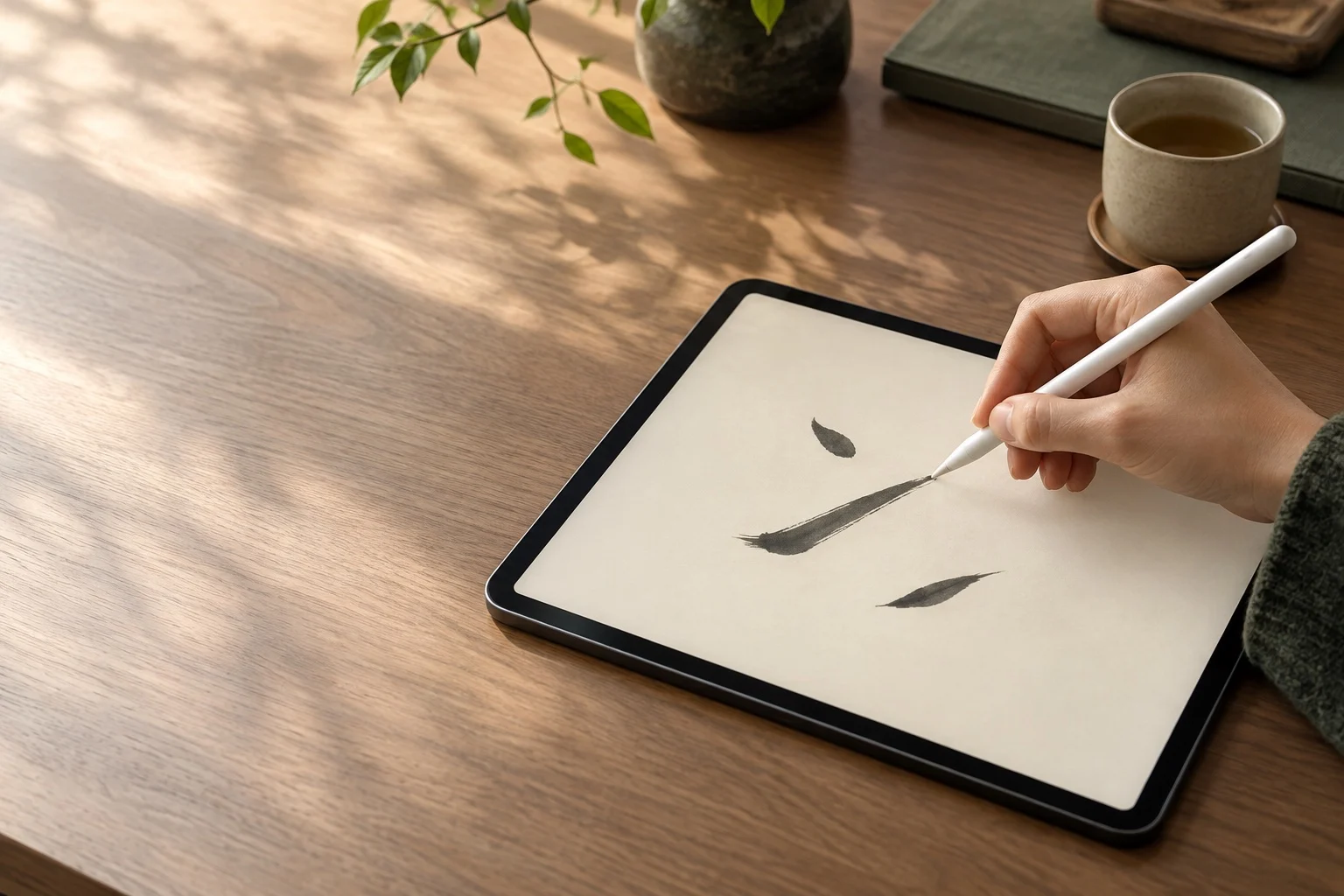
Strokie is an iPad app for practicing Chinese handwriting (Hanzi) with Apple Pencil. Trace a lesson, write from memory, and build a daily practice.
* All facts last updated
Apple PencilMade for writing by hand
Recall quizCheck what you remember
HSK 1-62,663 simplified characters
Writing from memory shows you what has stayed with you. Strokie gives that work a clear place in your routine.
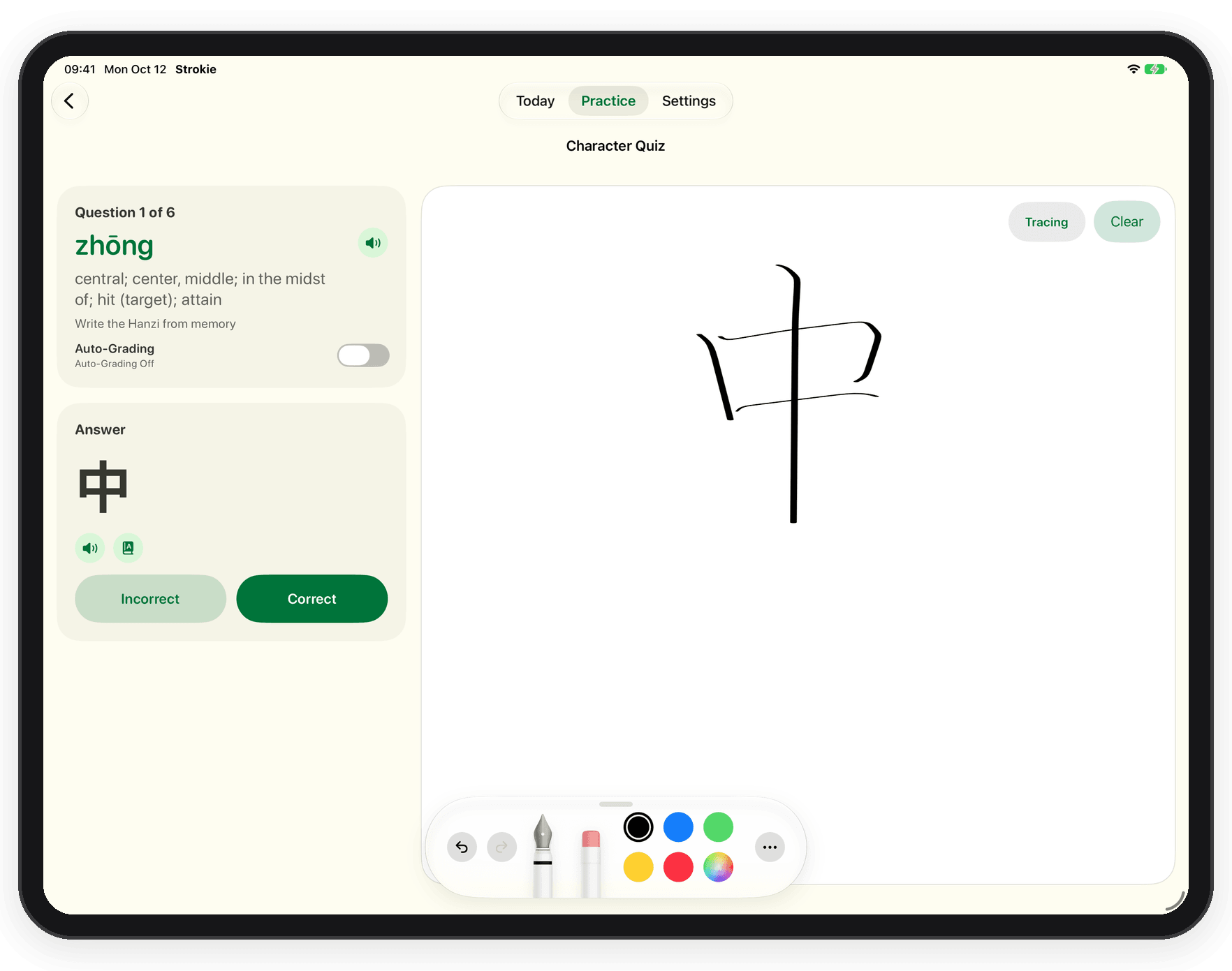
Recall quiz
Write a character from its sound and meaning, then check your answer. Missed characters are ready for another try.
Trace with Apple Pencil, replay stroke order, write from memory, and practice a short Conversation.
A small next step is always ready, whether you have time for one character or a whole lesson.
Review what you know, learn one character, or open a lesson. Your progress stays close at hand.
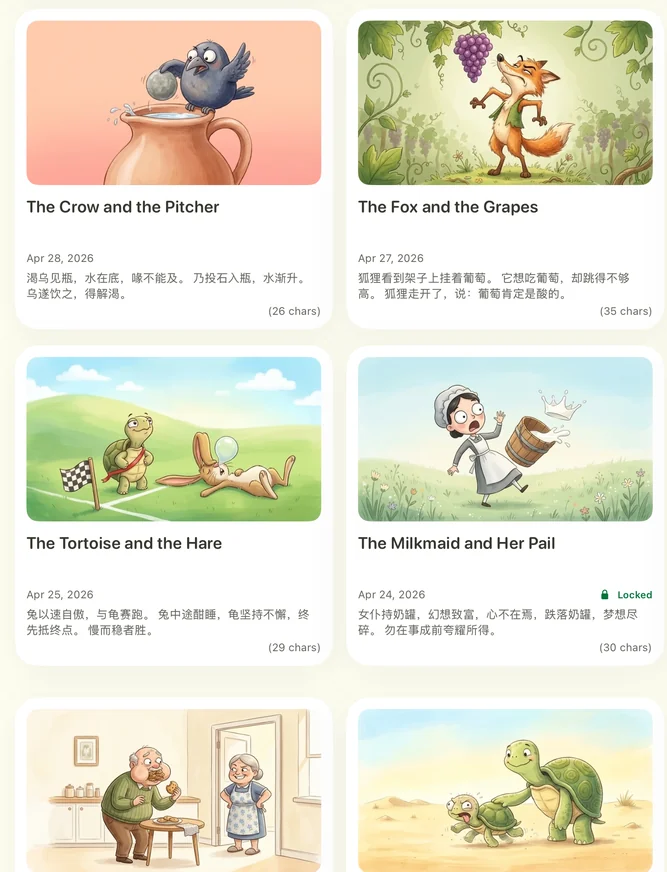
Short Hanzi passages help you practice rhythm and spacing with Apple Pencil.
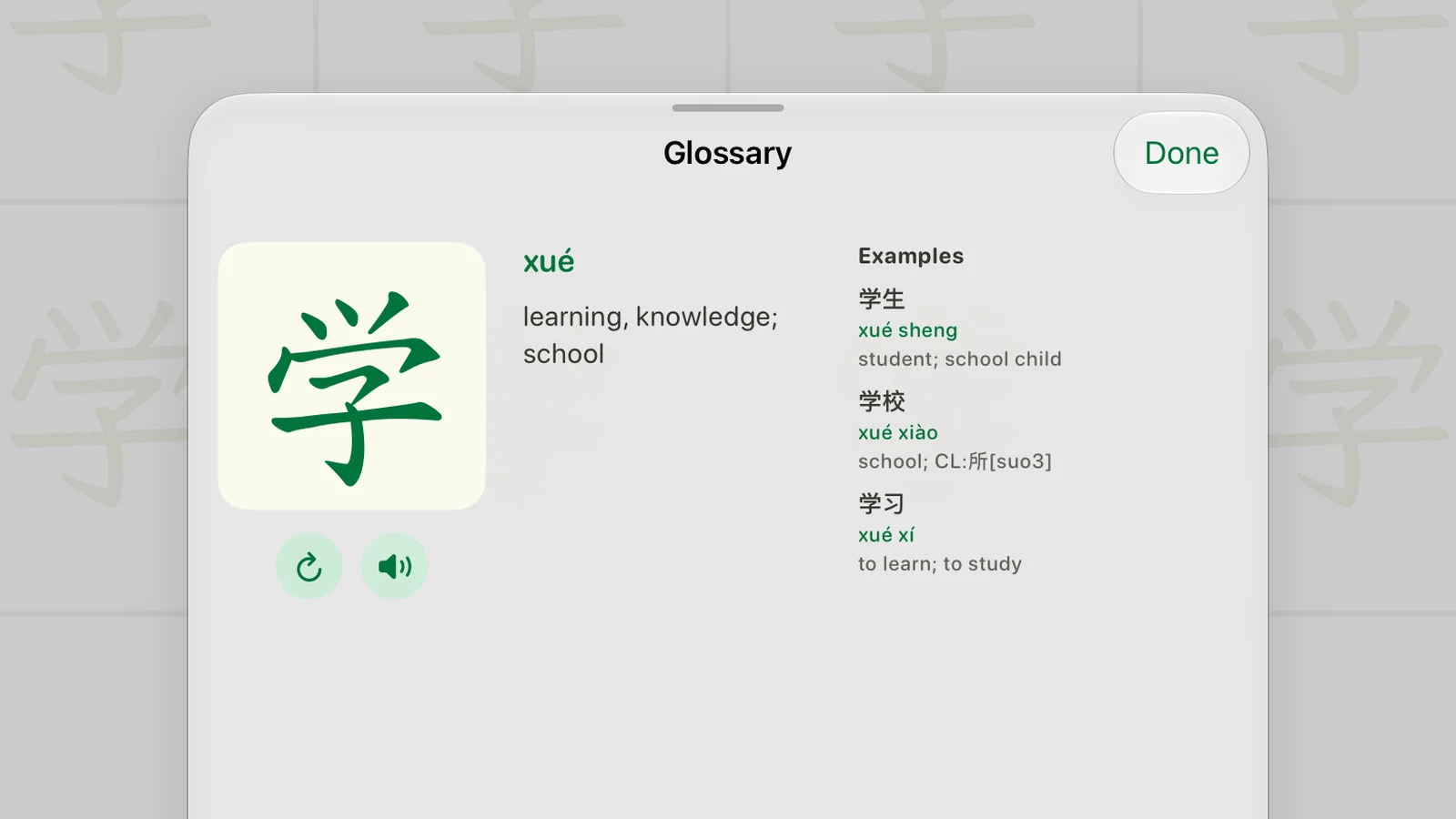
Replay stroke order, check pinyin, and find the meaning without leaving your practice.
Practical guides for writing by hand and remembering more of what you study.
Explore LearnReviews shared on the App Store.
“A fantastic app to really help you practice writing hanzi. The recent update made an already good app into a great one.”
“The best app to practice and test your abilities. I love it!”
“두세글자 이상도 연습할수있으면 좋겠어요” “It would be nice if I could also practice two- and three-character phrases.”
If your goal is writing Chinese characters by hand on iPad, Strokie is built for that. You write with Apple Pencil, then test yourself with a recall quiz that has you write characters from memory. It covers 2,663 simplified characters across HSK 1-6, all free to practice. Any character you enter yourself is free to practice too, and there are short stories to trace. It's a handwriting companion, not a full course, so pair it with a course or textbook for grammar, listening, and speaking.
Yes, Strokie is designed for Apple Pencil. Tracing stories and Conversations accepts Pencil strokes only. Single-character practice also accepts finger writing unless "Pencil only" is turned on.
Yes. Strokie is free to download. All 2,663 simplified characters across HSK 1-6 are free to practice, and so is any character you enter yourself. All Conversations are free. Self-check grading, the recall quiz, reminders, and progress tracking are free, and a set of stories stays free. Pro adds the full story library and the stroke-order glossary for HSK 2-6 characters. The HSK 1 stroke-order glossary stays free. Pay once. No subscription.
Strokie is for people already learning Chinese who want to write characters by hand: beginners building a daily writing habit, self-learners working through HSK, and heritage learners who can read more than they can write. It's a focused handwriting companion, not a full Chinese course.
Simplified. The HSK 1-6 character sets and stories use simplified characters; there are no traditional-character sets right now.
Yes, practice works offline once content is on your iPad, and no account is needed. New stories and Conversations download when you're online. Progress is stored on your iPad.
No. Strokie is an iPad app and needs iPadOS 18.0 or later. It isn't available on iPhone, and the App Store lists it as not verified for macOS.
One character is enough to keep your handwriting practice moving.
App Store